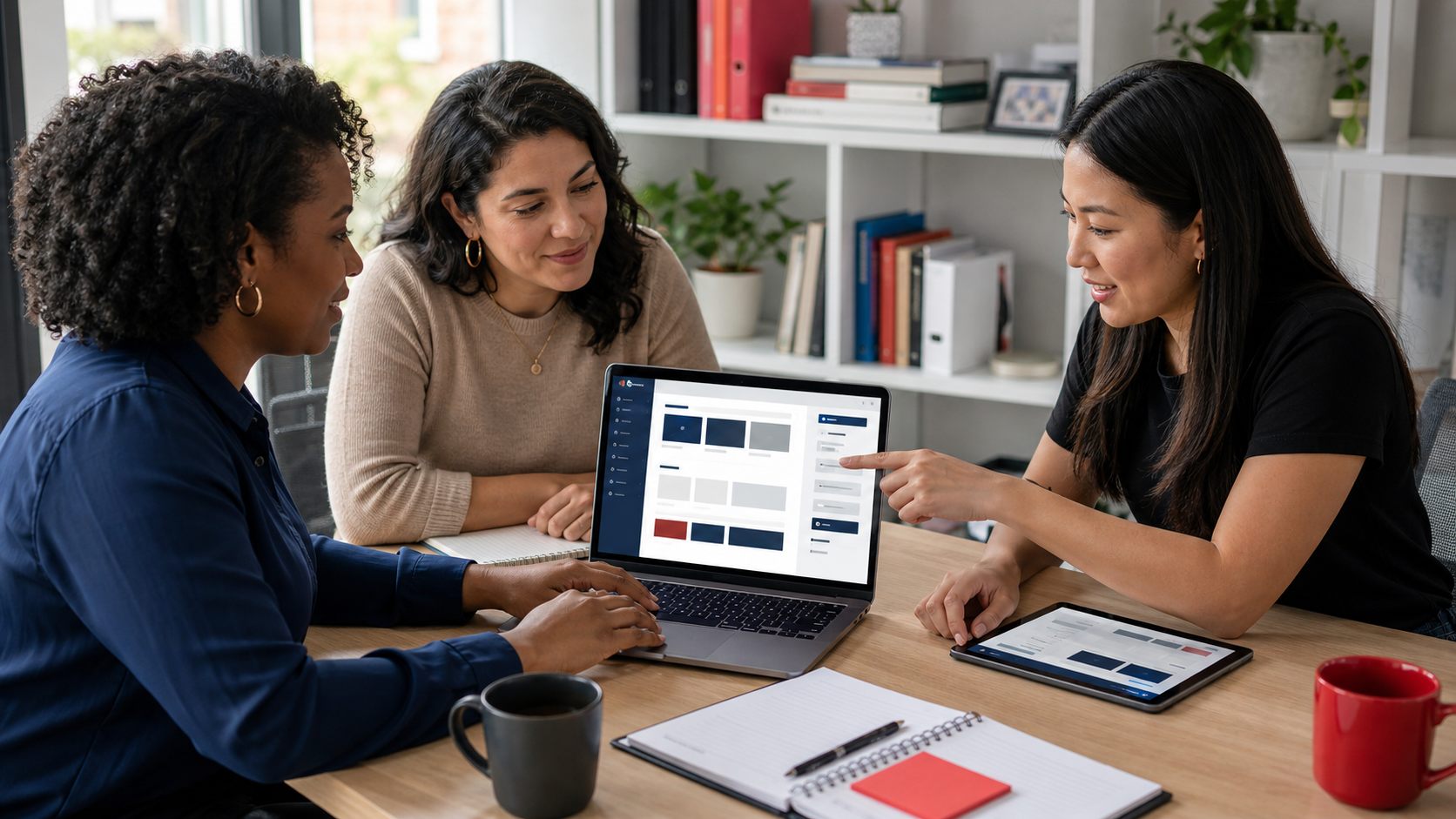
Easy to update means easy for your actual team
A website is easy to update when the people responsible for content can make routine changes without breaking layouts, hunting through confusing admin screens, or waiting on a developer for every small edit.
That is why platform choice matters. A clean WordPress website can be very manageable, while a messy setup on any platform can become a daily headache.
The back end should match the workflow
Most businesses do not update everything. They update services, team members, blog posts, photos, locations, testimonials, forms, and calls to action.
The CMS should make those recurring edits obvious. If staff need to remember which nested panel controls a headline, the system is already asking too much.
- / Use clear field labels.
- / Keep repeatable content in repeatable structures.
- / Limit layout-breaking freedom.
- / Create roles for different editors.
- / Document what requires developer help.

Page builders are not the same as usability
A page builder can make a site feel flexible, but too much flexibility can create inconsistent pages. Editors may drag, resize, duplicate, and override until the site slowly loses its design quality.
A better editing experience gives staff control over content while preserving the structure created during web design.
Reusable content types make updates faster
The easiest sites usually have structured places for recurring content. Team members, services, locations, testimonials, FAQs, case studies, resources, events, and alerts should not all be improvised as one-off page sections.
When content has a clear home, editors can update it once and trust the site to display it consistently. That is cleaner for the team and better for visitors.
- / Services should have consistent fields for summaries, benefits, FAQs, and CTAs.
- / Team pages should reuse headshots, roles, bios, and contact details.
- / Testimonials should be reusable across relevant service pages.
- / Locations should follow a repeatable structure without becoming thin duplicates.
Easy editing still needs guardrails
Business owners often ask for total editing freedom. What they usually want is confidence, not chaos.
Guardrails protect the site from accidental damage: approved image sizes, limited color options, reusable blocks, clear permissions, and fields that explain what belongs where. The CMS should make the right update easy and the risky update harder.
Training is part of the product
A handoff without training is just a login. Staff should know how to update common content, where images belong, how forms work, and who to contact when something falls outside normal editing.
This connects directly to the website handoff checklist. Ownership should be planned before launch day.

Maintenance keeps editing reliable
Even an easy CMS needs maintenance. Updates, backups, security checks, and form testing keep the site dependable after launch.
The point is not to make your team do everything. The point is to make routine content updates easy and support needs clear.
// NEXT STEP
Need a site your team can actually update?
Lovell Media Group can shape the CMS around your real editing habits, with structured content, sensible guardrails, training, and support that keep the site useful after launch day stops feeling new.
Talk through CMS needs ->// RELATED READING
Web Design / 13 min read
WordPress, Squarespace, Wix, or Shopify: Best Website Platform for a Local Business
Website Handoff / 11 min read
The Website Handoff Checklist: What You Should Receive After Launch
Web Design / 12 min read